Structure
Composition. What it is, why it matters, and the main techniques that give every photo a solid structure.
We watched the lessons, went through the bonuses, and pulled together every student review we could find. Here is an honest look at what the course teaches, what it costs, and who it actually suits.
4.9 out of 5 from 709 ratings · loved by 45,367 Samsung owners
 Karen C. "Best money I've spent in a long time." ★★★★★
 Radoslava P. "One of the best purchases I've made." ★★★★★
 Heather P. "Fabulous course." ★★★★★
 vickivsn "Two lessons in and quite thrilled!" ★★★★★
 Suzanne O. "I'm loving the course so far." ★★★★★
 Terri G. "Learned so much. Love this class." ★★★★★
 nadinewakim "A lifetime purchase and I love it." ★★★★★
 leaalmog1 "Enjoyed it a lot and learned a lot!" ★★★★★
 Mark Y. "This course is excellent." ★★★★★
 Liz S. "It's worth it. Money well spent." ★★★★★
 Paula G. "Watched 3 videos. Very impressive." ★★★★★
 wheatleyjulia "Sooo informative. Loving it." ★★★★★
 Colette H. "I'm seeing things differently now." ★★★★★
 vickib064 "Really very good, and well priced." ★★★★★
 Justine H. "Well worth the money." ★★★★★
 mweisenburger "Learned new tactics already." ★★★★★
 Tanya K. "I have learnt so much." ★★★★☆
 Marlyn C. "So much to learn. Thank you!" ★★★★★
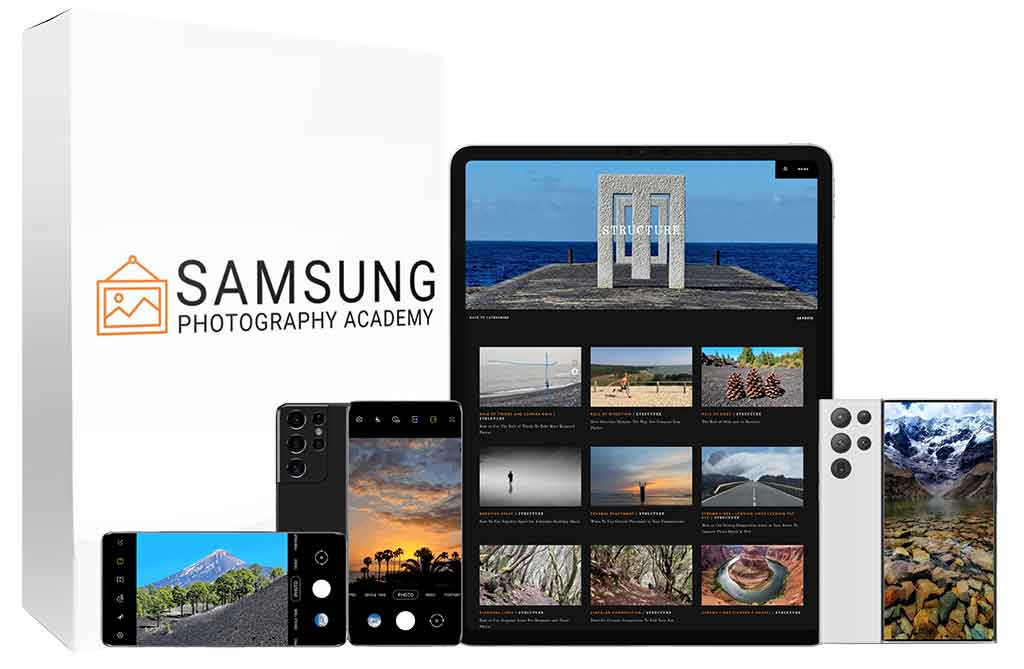
Samsung Photography Academy is a beginner-friendly mobile photography course built entirely around Samsung Galaxy phones. The lessons are short — most run five to seven minutes — and every technique is filmed straight from a Galaxy camera screen, so you watch the settings change as they are explained.
It will not turn a phone into a DSLR, and a seasoned photographer will recognise a lot of the composition theory. But for someone who bought a Galaxy S23, S24 or S25 and never got past auto mode, it is a clear, low-pressure way to learn the camera. At $39 with a 60-day refund window, the downside is small.
The course carries a 4.9 average across 709 ratings. Here is roughly how those ratings break down.
It is an online course that teaches you how to take better photos with a Samsung Galaxy phone. The creator spent years learning composition and mobile technique, then recorded the whole system as a set of short tutorials. The pitch is simple: you do not need talent or an expensive camera, you need to know how to use the one in your pocket.
The teaching style is the part that stands out. Instead of a talking head, most lessons are screen recordings of a Galaxy camera. You see exactly which setting is being tapped and what it does to the shot. The course is available in eight languages — English, Spanish, Portuguese, French, German, Arabic, Hindi and Indonesian — and everything is self-paced with lifetime access.
A note worth making early, because people ask: this is not an official Samsung product. It is an independent course that happens to teach Samsung cameras. More on that in the is it legit section below.
Four core modules built on a simple framework, plus four bonuses.
Composition. What it is, why it matters, and the main techniques that give every photo a solid structure.
How to think about your subject, frame it, and use angles and perspective to add depth.
Reading light. Working with silhouettes, reflections and the different types of light you meet outdoors.
Everyday photography — landscapes, and how to stop them coming out flat and boring.
A module on Galaxy-specific tools: Nightography, Space Zoom, Single Take, Expert RAW, the 200MP lens, S-Pen and Galaxy AI edits.
A printable one-page reference with 15 composition guidelines to keep by your phone before you shoot.
Expert RAW and Pro Mode: ISO, shutter speed, white balance, plus how to shoot light trails and long-exposure water.
A short ebook with 20 quick mobile photography tips to apply straight away.
We logged in and went through it. Here is what the course actually looks like from a member's account — not just what the sales page says.

Composition — rule of thirds, direction, odds, negative space, central placement.
19 lessons
Choosing and framing subjects, angles and perspective for depth.
10 lessons
Reading light — silhouettes, reflections, the different kinds of outdoor light.
4 lessons
Everyday photography, with a focus on landscapes that don't fall flat.
6 lessons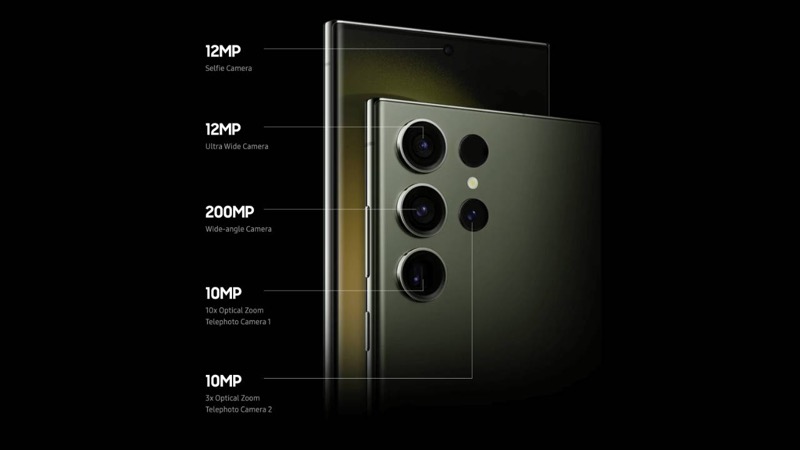
Nightography, Single Take, Expert RAW, the 200MP lens, Galaxy AI edits.
17 lessons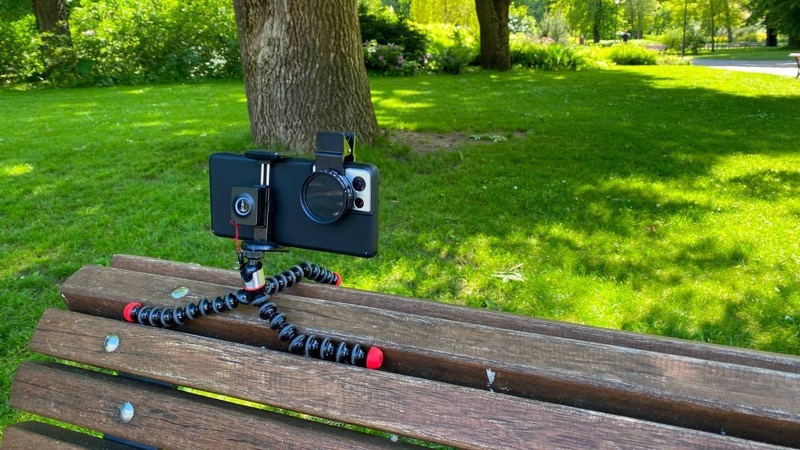
Expert RAW, ISO, shutter speed and white balance for light trails and long exposures.
10 lessonsUnusual for a course this size: the whole thing is recorded in eight languages, not just subtitled. Each has its own full set of modules.







Short videos — most run five to seven minutes — filmed from the Galaxy camera screen. Every lesson tracks your progress and comes with resources you can download:
Each lesson has its own discussion thread, so you can ask a question right under the video — which matches the "ask questions under each lesson" promise.
We went through and noted every lesson in the English course — 66 across the six modules. Open any module to see what's covered.
Two things the sales page glosses over: there's also a Mobile Photography Challenge to put the lessons into practice, and an optional paid Upgrade module offered inside. Neither is needed to get value from the core course.
Real comments from the course's Facebook and Instagram pages, quoted as written. Hover to pause.
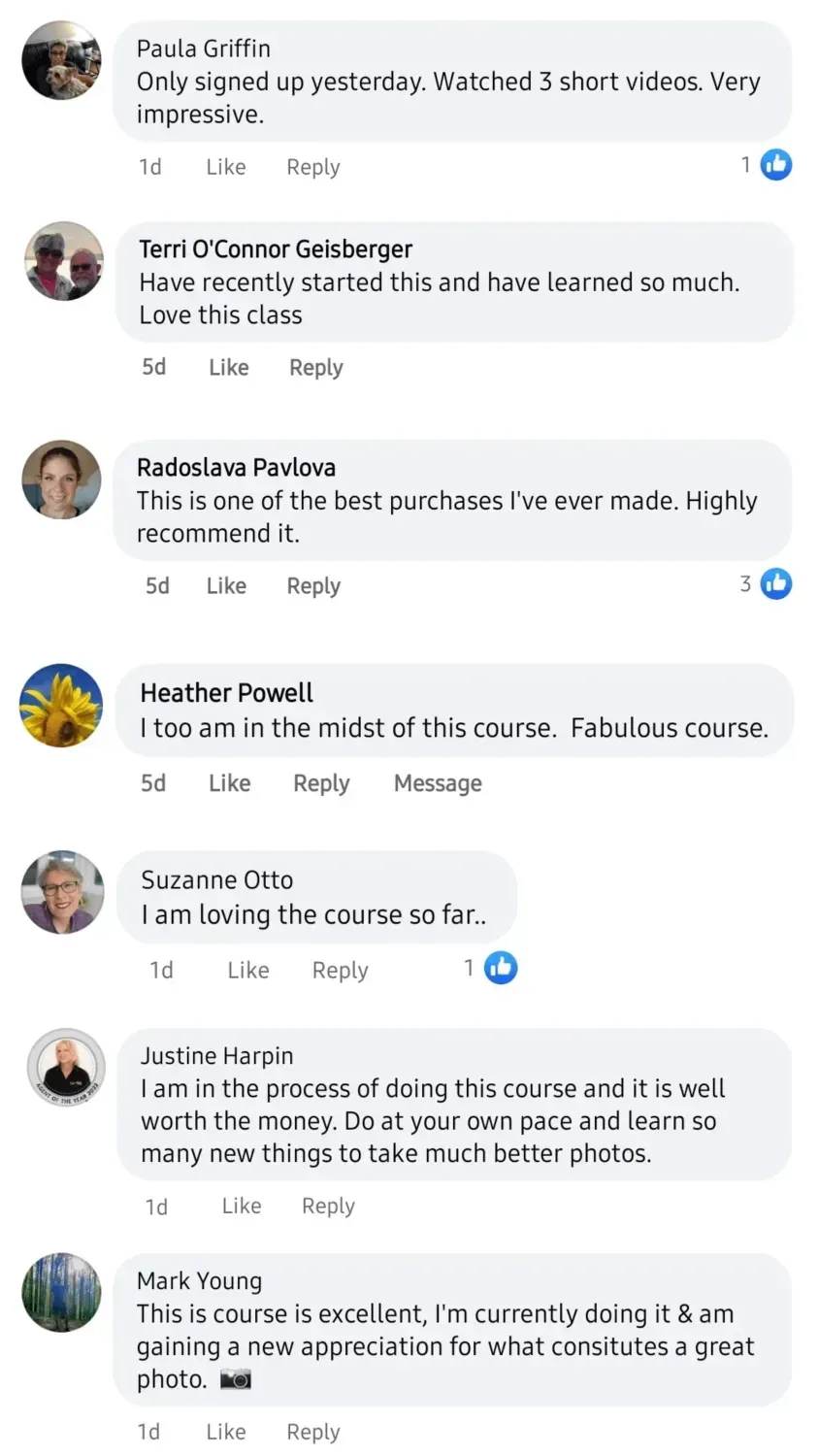
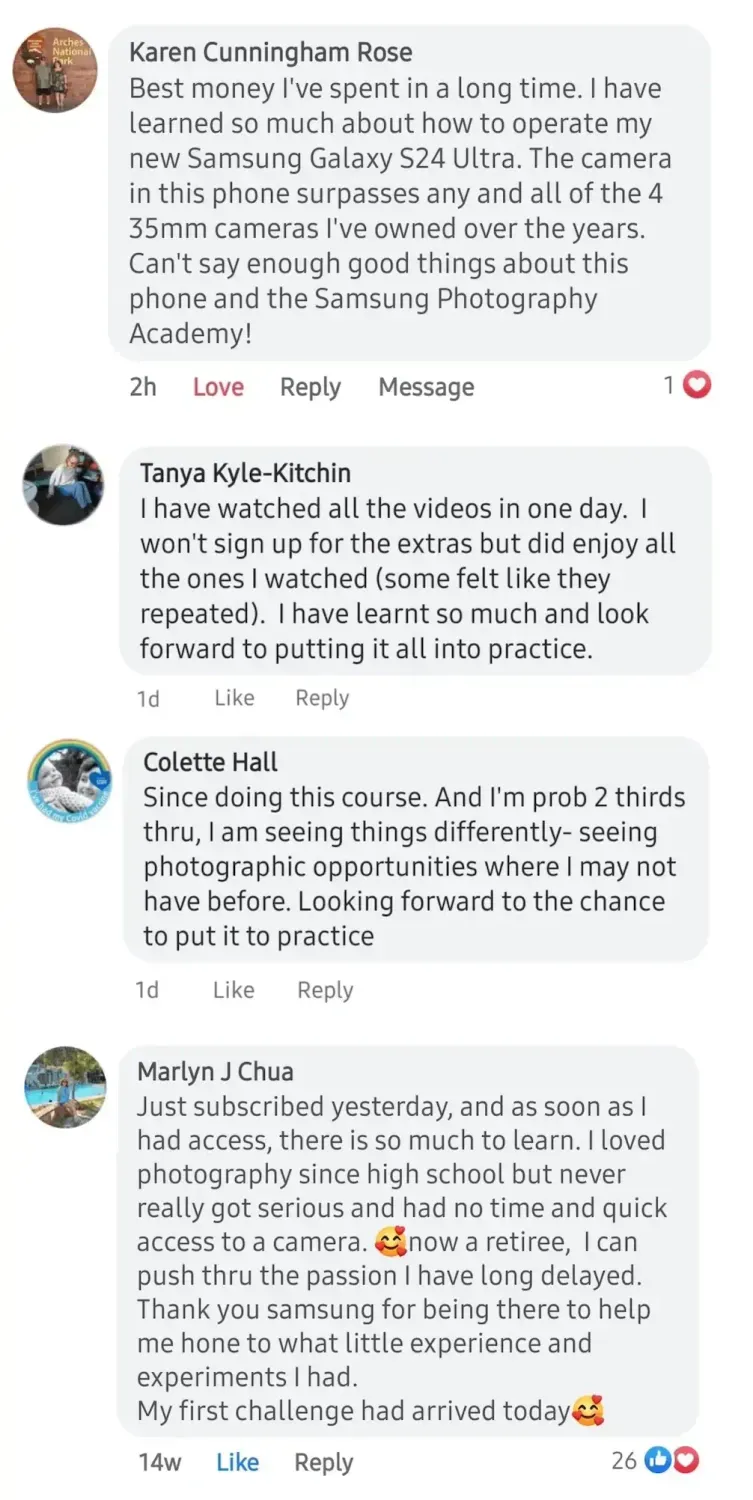
Karen Cunningham Rose2h"Best money I've spent in a long time. I have learned so much about how to operate my new Samsung Galaxy S24 Ultra. The camera in this phone surpasses any 35mm camera I've owned over the years. Can't say enough good things about this course."
Radoslava Pavlova5d"This is one of the best purchases I've ever made. Highly recommend it."
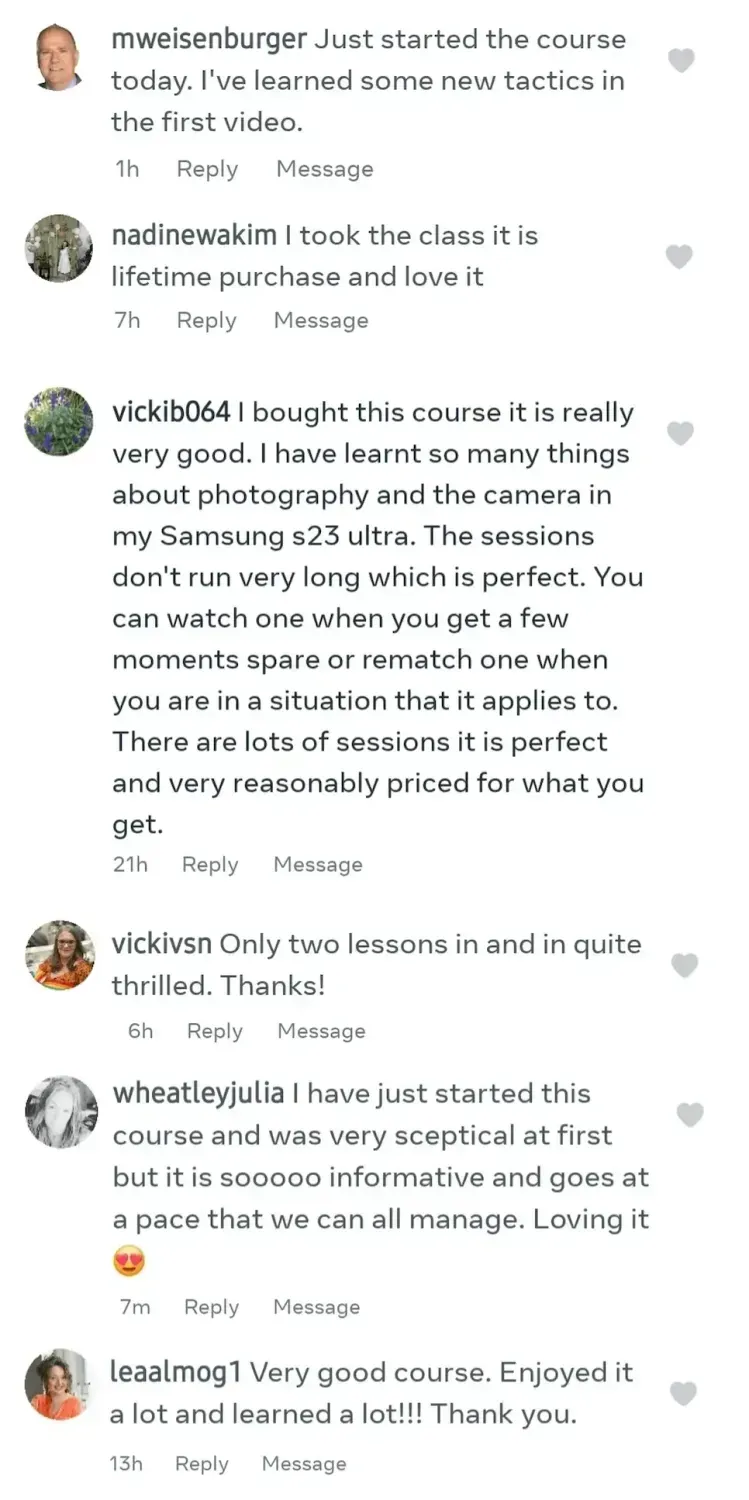
vickib06421h"I bought this course, it is really very good. I have learnt so many things about photography and the camera in my Samsung S23 Ultra. The sessions don't run very long, which is perfect. Very reasonably priced for what you get."
Mark Young1d"This course is excellent. I'm currently doing it and gaining a new appreciation for what makes a great photo."
Suzanne Otto1d"I am loving the course so far."
Terri O'Connor Geisberger5d"Have recently started this and have learned so much. Love this class."
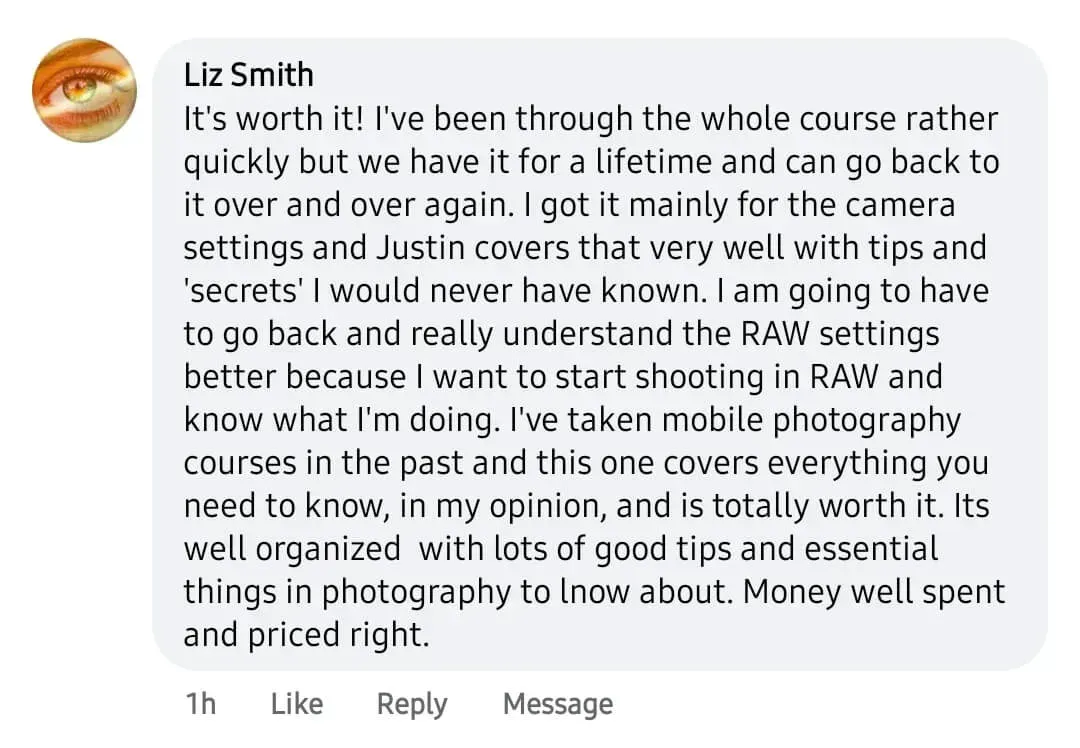
Liz Smith1h"It's worth it. I got it mainly for the camera settings, and they're covered very well with tips and 'secrets' I would never have known. I've taken mobile photography courses before, and this one covers everything you need to know. Money well spent and priced right."
wheatleyjulia7m"I have just started this course and was very sceptical at first, but it is so informative and goes at a pace that we can all manage. Loving it."
Marlyn J Chua14w"Just subscribed yesterday, and there is so much to learn. Now a retiree, I can push through the passion I have long delayed. Thank you for being there to help me build on the little experience I had."
Paula Griffin1d"Only signed up yesterday. Watched 3 short videos. Very impressive."
nadinewakim7h"I took the class, it is a lifetime purchase and I love it."
Justine Harpin1d"I am in the process of doing this course and it is well worth the money. Do it at your own pace and learn so many new things to take much better photos."
"This class exceeded my expectations. I have seen a lot of improvement in my photos over just the past few weeks. I love how each principle is broken down into easily digestible lessons. I have not been overwhelmed at all."
Colette Hall1d"Since doing this course, and I'm probably two thirds through, I am seeing things differently — spotting photographic opportunities where I may not have before."
mweisenburger1h"Just started the course today. I've learned some new tactics in the first video."
Tanya Kyle-Kitchin1d"I have watched all the videos in one day. I did enjoy all the ones I watched — some felt like they repeated. I have learnt so much and look forward to putting it all into practice."
Heather Powell5d"I too am in the midst of this course. Fabulous course."
vickivsn6h"Only two lessons in and quite thrilled. Thanks!"
leaalmog113h"Very good course. Enjoyed it a lot and learned a lot! Thank you."
Every quote above is transcribed word-for-word from these unedited screenshots on the course's own Facebook and Instagram pages.
Short answer: yes, it is a real course and people are learning from it. It has more than 45,000 students, a 4.9 rating from 709 ratings, and a 60-day money-back guarantee you can actually use. Payment runs through Stripe or PayPal.
The one point that trips people up is the name. This is not Samsung's own course. The site says so directly in its footer: it is not part of, or endorsed by, Samsung, Android, Apple or Google. Samsung is a trademark of Samsung Electronics. What you are buying is an independent training course that teaches you how to use Galaxy cameras — think of it as a fan-made guide, not an official manual.
Is that a problem? Only if you expected official Samsung material. The teaching itself is straightforward and the refund policy means you can try it and walk away if it is not for you. If you want to see it for yourself, the course page lays out everything included.
Normally $195
$39USD
or 2 payments of $25

At the full $195 the maths is harder to justify — plenty of the composition basics are free on YouTube if you are willing to dig. At $39 the calculation changes. You are paying for one place that puts the fundamentals and the Galaxy-specific features in a sensible order, taught on the exact camera you own.
The refund window does the rest of the work. You have 60 days to go through the lessons and decide. If your photos are not better and you do not feel you got your money's worth, you email support and get it back. That safety net is the main reason most students say the price felt fair.
Who should skip it: photographers who already shoot manual and understand light and composition. You will find the core modules basic. The Pro Mode bonus might still be useful, but it is probably not worth the purchase on its own.
This course fits a specific person well: someone who bought a good Samsung phone, takes a lot of photos, and feels like the results should be better than they are. If you shoot in auto, avoid the settings you do not understand, and want a friendly path in, it is built for you.
It also suits people coming back to photography after a break — several reviewers were retirees picking the hobby back up. And it works for travellers and parents who just want sharper, better-framed shots of the moments that matter, without carrying a second camera.
It is a weaker fit if you already own a DSLR and know your way around exposure, or if you are on a non-Samsung phone. The principles still transfer, but you would be paying for lessons filmed on a camera you do not have.
The worries people have before buying, and straight answers to each — including the ones the course would rather you didn't ask.
"I don't have any talent or a creative eye."
You don't need one. The course starts from the assumption that you know nothing and builds from there. The things it teaches — where to place your subject, how to read light, when to switch lenses — are rules, not gifts. You copy them until they feel automatic.
"My Samsung is a few years old. Will it still work?"
Yes. The core lessons are about composition and light, and those apply to any Galaxy. The newest-feature tips (200MP, Nightography) lean toward recent Ultra models, but the fundamentals work on a phone from several years back just as well.
"Can't I just find all this free on YouTube?"
Some of it, honestly, yes — the individual tips are out there, scattered across hundreds of videos. What you pay $39 for is one ordered path: fundamentals first, then Galaxy settings, taught on the phone you own, with no ad breaks or rabbit holes. If you enjoy assembling it yourself, YouTube is a fair alternative.
"Is this actually made by Samsung?"
No, and it doesn't claim to be. It's an independent course that teaches Samsung Galaxy cameras. If you wanted official Samsung training, this isn't it. If you want clear, practical lessons for your Galaxy, that's exactly what it is.
"I'm hopeless with technology."
Most students say the same thing. Every lesson is a screen recording of the camera, so you watch precisely which button to tap. Nothing is assumed, and you can ask a question under each video if you get stuck.
"I'm just not good at taking photos."
That is who it's for. The whole idea is that good photos come from a few learnable habits, not luck. Students who started out unsure report seeing a difference within a couple of weeks of practice.
"I saw a low trust score. Is it a scam?"
It isn't a scam. The automated trust scores you'll find are common for newer, independent course domains and don't signal fraud. It's a real business with tens of thousands of students. The only real question is whether the content suits you — and the 60-day refund covers that. Note it's a one-time purchase, not a subscription, so there's nothing to cancel.
"What if I buy it and it's not for me?"
There's a 60-day money-back guarantee. You email support and get a refund — long enough to watch the whole course and decide honestly. Payment goes through Stripe or PayPal, so your card details stay with them, not the course.
"I already shoot with a DSLR and know the basics."
Then be honest with yourself: the core modules will feel basic. The part that might earn its place is the Pro Mode and Expert RAW bonus, which is Galaxy-specific. On its own, though, that may not justify the buy for you.
"I don't really have the time."
Lessons run five to seven minutes — you can watch one while the kettle boils. Access is lifetime, so there's no schedule and no expiry. Watch a few over a weekend or spread them across months.
Still unsure? The 60-day guarantee means you can try it and decide for real.
See the course for yourselfYes. It is a real paid course with 45,000+ students, a 4.9/5 rating and a 60-day money-back guarantee. Just note it is independent — not made or endorsed by Samsung Electronics.
No. The course is not part of, or endorsed by, Samsung, Android, Apple or Google. It teaches photography techniques for Samsung Galaxy phones but is a separate product.
Regular price is listed at $195. The current offer is $39, or two payments of $25, and includes four bonuses. Everything comes with a 60-day refund window.
Yes, the photography principles apply to any Galaxy phone. Lessons are filmed on a recent Galaxy Ultra, so the newest feature tips lean that way, but the fundamentals work on any model.
The course is built to be non-technical. Lessons are short, filmed from the camera screen, and you can ask questions under each video.
The English course runs to 66 short videos across six modules, roughly three hours in total. It is self-paced with lifetime access, so you can watch over a weekend or spread it across weeks.
Yes. There is a 60-day money-back guarantee. If you are not happy, you email support and get a full refund within the window.
Samsung Photography Academy does what it sets out to do. It takes a beginner with a Galaxy phone and gives them a clear, unintimidating way to shoot better photos, taught on the camera they already own. It is not official Samsung material and it will not replace years of practice, but at $39 with a real refund policy, it is an easy course to recommend to the right person.
See the course and current offer